How do I receive payments from my customers?
1 min read
Receiving payments requires connecting your own Stripe account through the "Finance" section of your Hyperfy admin panel.
Setup Steps:
- Go to the "Finance" section in Hyperfy.
- You may see a banner prompting you to "Continue to Account Info" if setup isn't complete. Click it.

- On the next screen, click the "Add Information" button to begin the secure Stripe connection process.
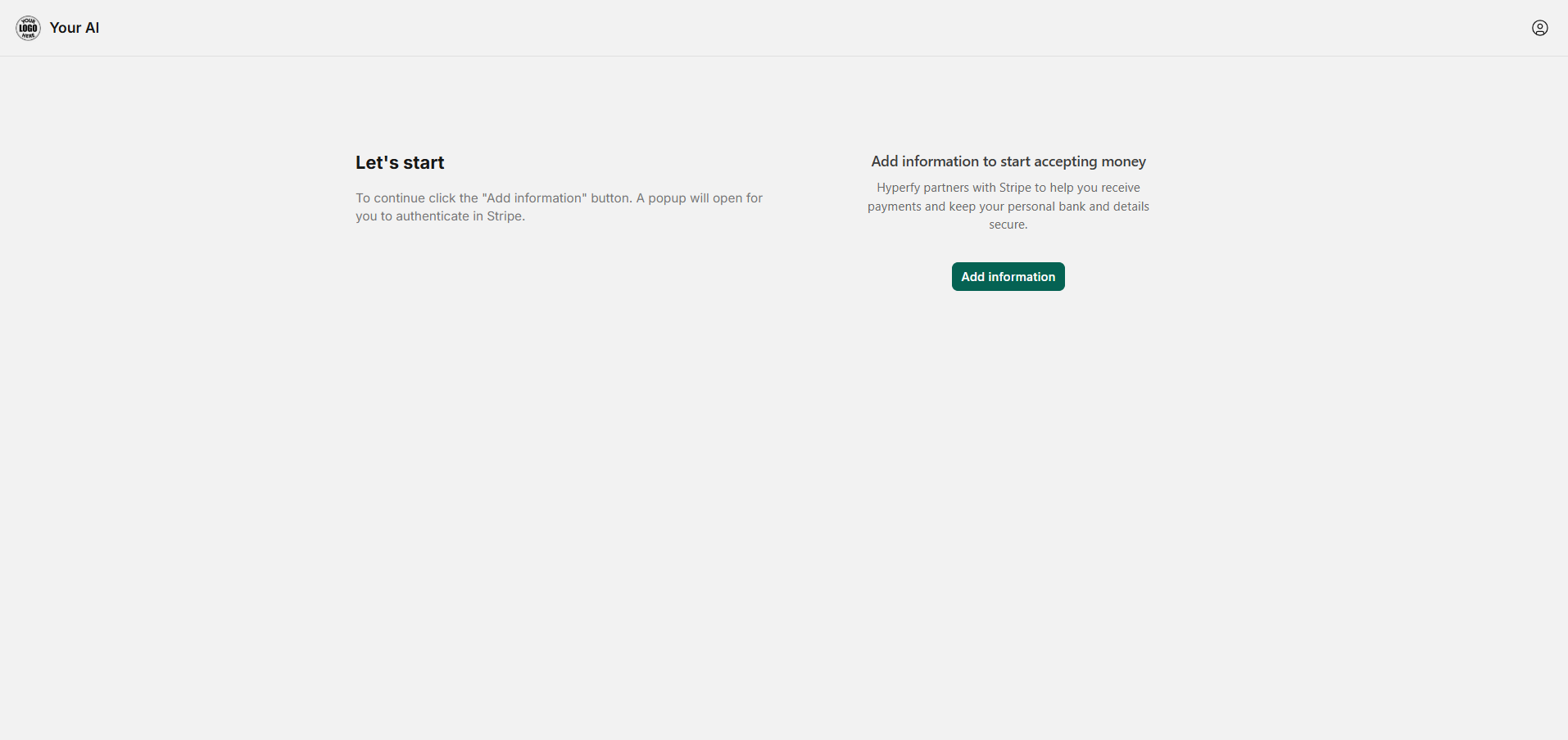
- A Stripe window will open. Log in to your existing Stripe account or create a new one, and complete Stripe's required onboarding steps (providing business details, bank info, etc.).

Once Stripe is successfully connected and verified:
- Your customers pay the standard $35 per seat per month, or you can choose to set a custom price.
- After processing the payment, Hyperfy calculates your earnings share (20%, 50%, 60%, or 80%, depending on your plan).
- Your earnings are transferred to your connected Stripe account.
- Stripe then pays out funds to your bank based on their schedule.
❗
Note: You must complete the Stripe connection to receive payouts. Standard Stripe processing fees apply to customer transactions.